Quantization is how you close that gap without buying new hardware.
The idea is simple: store the model’s weights in fewer bits.
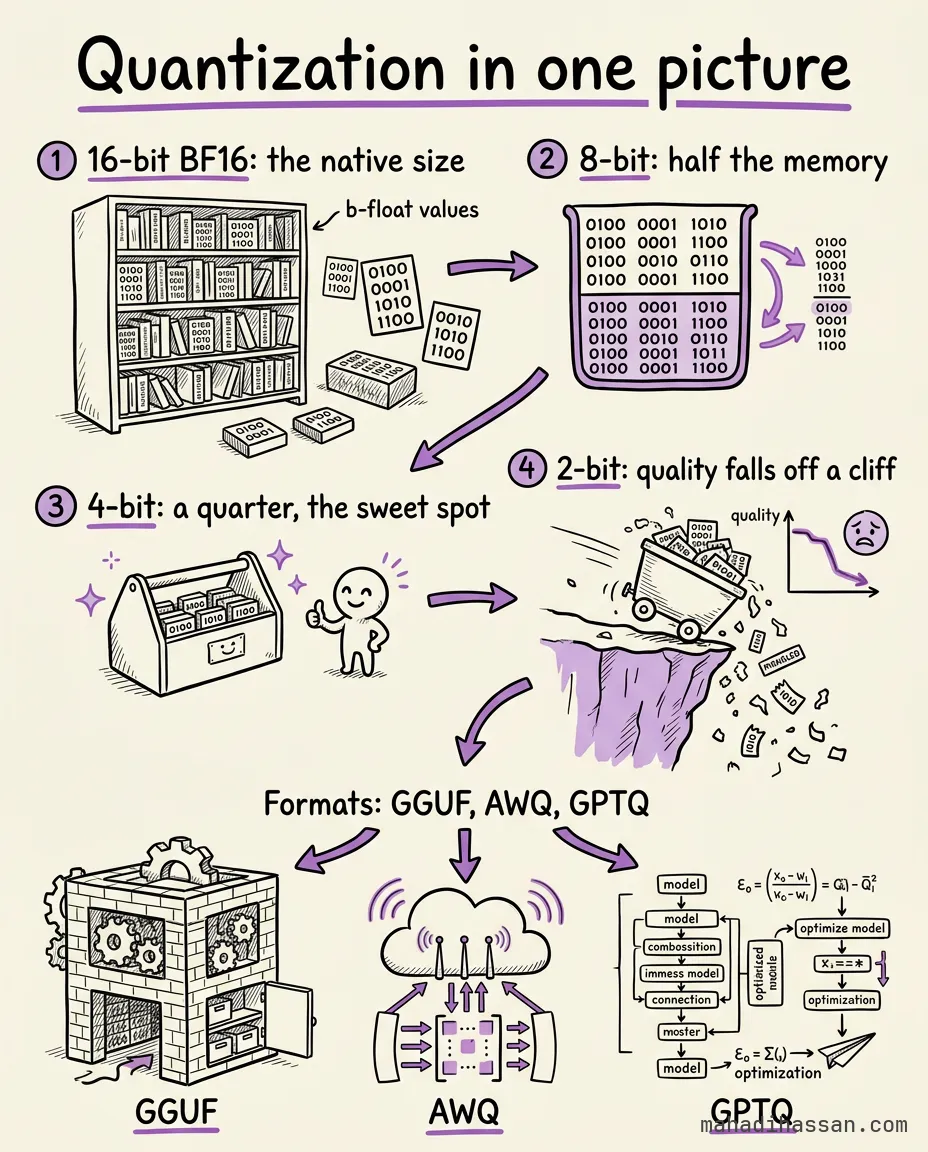
Most LLM weights ship at 16 bits, a format called BF16. Quantize to 8-bit and the model is half that size. Go to 4-bit and it’s a quarter — often with barely any quality loss.
That’s how a model that needed a data center starts running on your laptop.
The catch: push too far, to 3-bit or 2-bit, and quality falls off a cliff. 4-bit is usually the sweet spot.
Formats you’ll meet: GGUF for llama.cpp (CPU and consumer GPUs), AWQ and GPTQ for datacenter GPUs.
Smaller weights, lower memory, faster loads. Same model, made to fit your hardware.